At Alorica, working from home doesn’t mean working alone—we’ve got your back!
Follow the steps below, and you’ll be up and running in no time!
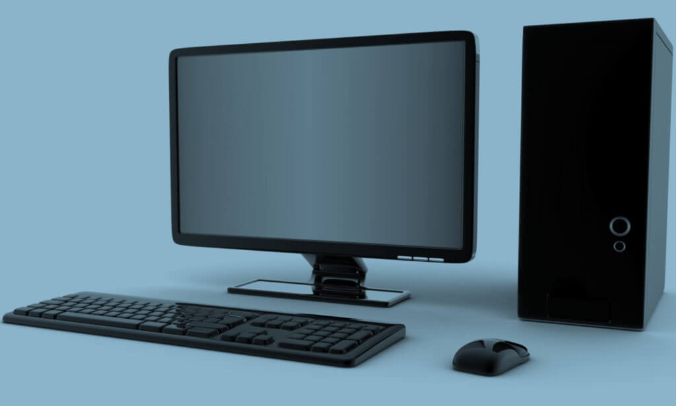
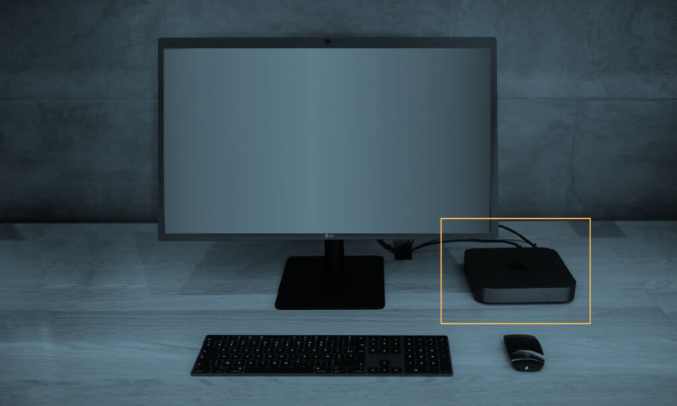
Save your packing materials, and keep them in a safe place—in case you need to return the enclosed equipment.
At NO time will Alorica ask for $$$ prior to you starting with us. Be aware of scammers out there. Alorica does withhold a deposit when we ship computers to our employees.
This deposit is promptly returned upon receipt of returned equipment.

Call 1.866.ALORICA (866.256.7422)
Call 1.866.ALORICA (866.256.7422)